Creating a cozy and functional home workspace is essential for productivity and well-being, especially as more people work remotely. A well-designed space can help you focus, reduce stress, and maintain a healthy work-life balance. Whether you have a dedicated room or just a small corner, you can transform it into an inviting and efficient workspace with a few thoughtful touches.
Choose the Right Location
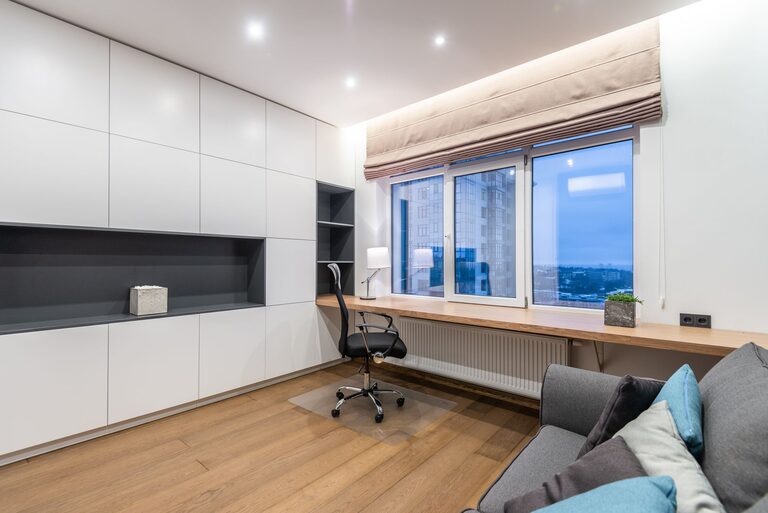
Start by selecting a spot with minimal distractions. Ideally, your workspace should be away from noisy areas and heavy foot traffic. Natural light is a big plus—it boosts mood and energy. If a window isn’t available, invest in good-quality lighting to keep your area bright and welcoming.
Invest in Comfortable Seating
A supportive chair is key to long hours of work without discomfort. Look for an ergonomic chair that supports your back, promotes good posture, and can be adjusted to your height. This prevents fatigue and reduces the risk of back pain.
Optimize Your Desk Setup
Your desk should fit your work needs without overcrowding. Here are some tips to organize it effectively:
– Size: Make sure it’s large enough to hold your computer, keyboard, and any essential documents.
– Height: Choose a desk that allows your arms to rest comfortably at a 90-degree angle.
– Storage: Incorporate drawers or organizers to keep clutter off the surface.
Keep Things Organized
Clutter can lead to distraction and stress. Use storage solutions that fit your style and space:
– Floating shelves to display books and plants.
– Desk organizers for stationery and paper.
– Filing cabinets or boxes for paperwork.
Maintaining a clean workspace helps you stay focused and feel calm.
Personalize Your Space
Adding personal touches makes your workspace inviting and uniquely yours. Consider:
– Framed photos or artwork.
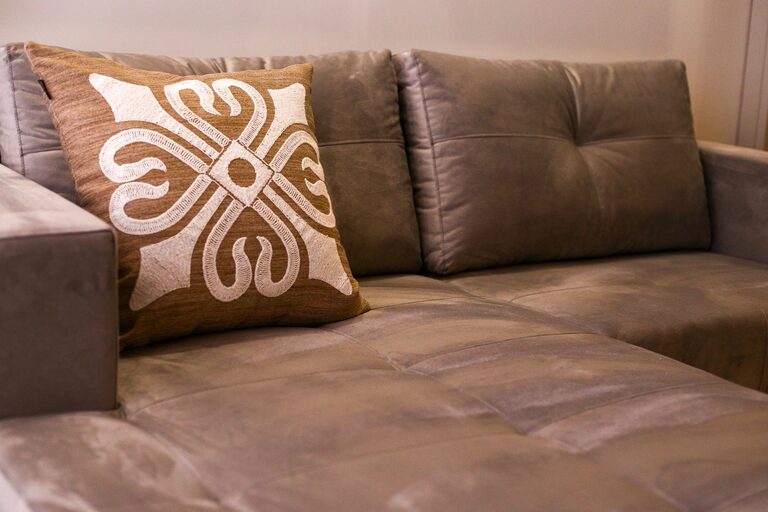
– A cozy throw or cushion.
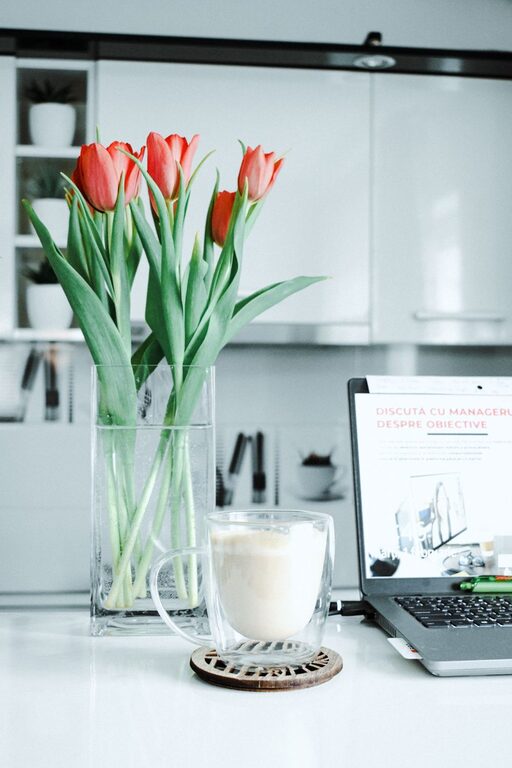
– Small plants that add life and improve air quality.
– Inspirational quotes or a vision board for motivation.
Balance personalization with professionalism, especially if you have video calls.
Manage Cables and Technology
Messy cables can make your workspace look chaotic. Use cable organizers or clips to keep wires tidy. Ensure your technology is up to date and functioning well to avoid frustrations during work.
Control Noise and Distractions
If your workspace isn’t in a quiet area, consider noise-canceling headphones or white noise machines. You can also set boundaries with household members during work hours to minimize interruptions.
Add Ergonomic Accessories
Small ergonomic tools can improve your comfort and productivity:
– A keyboard and mouse that reduce strain.
– A laptop stand to raise the screen to eye level.
– A footrest for better posture.
These accessories help create a healthier work environment.
Use Colors Wisely
Colors influence mood and focus. Soft, neutral tones like light gray, beige, or pastel shades create a calming atmosphere. Bright or bold colors can add energy and creativity but use them sparingly to avoid overwhelming the space.
Incorporate Break Areas
If space allows, add a small nook with a comfortable chair or cushion for breaks. Taking short breaks away from your desk helps reduce eye strain and refresh your mind.
Maintain Good Air Quality
Ventilation is important for comfort and health. Open windows when possible, and consider using a small air purifier. Adding plants can also help improve air quality naturally.
Set a Routine and Keep It Separate
To keep your work-life balance intact, try to set clear work hours and treat your workspace as a “work-only” zone. This helps signal to your brain when it’s time to focus and when it’s time to relax.
—
Creating a cozy and functional home workspace doesn’t require a major renovation. With thoughtful choices in seating, organization, lighting, and personal touches, you’ll foster a productive environment that feels comfortable and enjoyable. Happy decorating!
About the Author